
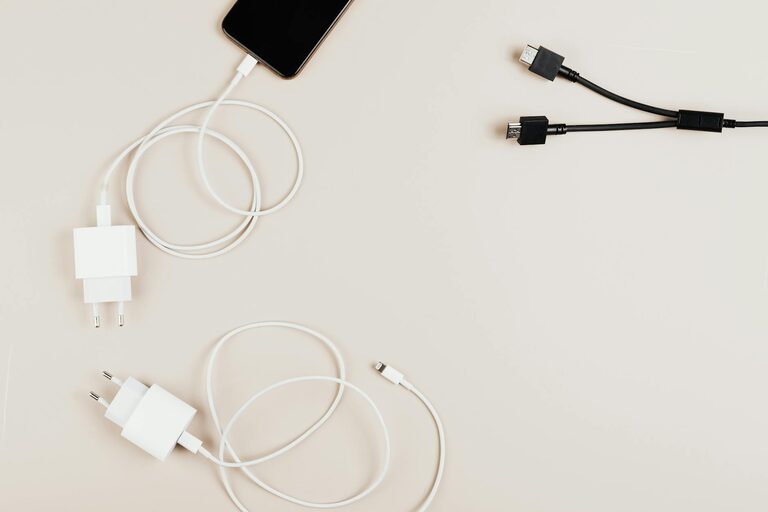
Setting up a dedicated charging station for your devices can simplify your daily routine and keep your space clutter-free. Whether you have smartphones, tablets, smartwatches, or wireless earbuds, having a central spot to charge everything helps prevent lost chargers and tangled cords. In this post, we’ll guide you through the steps of creating a practical and neat charging station at home or in the office.
Why Create a Charging Station?
Devices are a crucial part of our lives, and keeping them fully charged is essential. Without a charging station, cables can get lost, outlets become crowded, and it’s easy to forget to charge important gadgets. A dedicated space makes charging faster, cleaner, and safer.
Step 1: Choose the Right Location
To build your charging station, start by selecting a convenient spot:
– Near an electrical outlet: This will minimize visible cables.
– Accessible and visible: A place where you or your family members will remember to charge devices regularly.
– Safe from water and heat: Avoid placing it near sinks or heating devices to protect electronics.
Common locations include a desk, kitchen counter, nightstand, or entryway shelf.
Step 2: Gather Your Supplies
Here’s what you’ll need for an effective charging station:
– Power strip with surge protection: Ensures you have enough outlets and protects devices.
– Charging cables and adapters: Compatible with your devices; consider fast chargers if available.
– Cable organizers: Clips, cable ties, or sleeves help keep cords tidy.
– Charging dock or stand (optional): These hold devices upright and reduce stress on cables.
– Storage container or box (optional): To hide power strips and excess cables.
Step 3: Organize Devices and Cables
Before plugging in, sort your gadgets:
- **List frequently charged devices:** Phones, tablets, laptop chargers, smartwatches, headphones, etc.
- **Label cables:** Use small tags or colored tape so you know which cord belongs to each device.
- **Group cables by type or function:** For example, all USB-C cables in one section and Lightning cables in another.
Step 4: Set Up Your Charging Station
Now that you have your location, supplies, and organized cables, it’s time to put it all together.
Arrange the Power Sources
Plug the power strip into the outlet and position it to minimize visible cords. If possible, mount or tape the power strip under the table or behind furniture.
Position Charging Devices
Set any charging docks or stands on the surface. Lay out devices so they are easy to pick up and put down. Use device holders to prevent clutter and allow monitoring while charging.
Manage Extra Cable Length
Use cable clips or ties to bundle extra cord length neatly behind the station or inside a storage box. This prevents tangling and looks cleaner.
Incorporate Storage Solutions
If you’re using a box or basket, place the power strip and any excess cable inside. Leave openings for plugs and air circulation to prevent overheating.
Optional: Add Extras to Boost Your Charging Station
– Wireless chargers: For devices that support wireless charging, consider adding these to reduce cable bulk.
– USB hubs: If you need more USB ports, a hub can supply several charging points from one outlet.
– Labels or signage: To help family members or guests know where to charge specific devices.
– Decorative elements: Small plants or personal items to blend the station with room decor.
Tips for Maintaining Your Charging Station
– Regularly declutter: Remove old or unused cables and broken chargers.
– Check for wear and safety: Replace damaged cords or power strips.
– Keep clean: Wipe down the area to avoid dust buildup, which can cause overheating.
– Charge smarter: Unplug devices once charged to save energy and extend battery life.
Conclusion
Setting up a charging station can make a big difference in staying organized and keeping your devices ready to use. By following these simple steps—choosing the right spot, organizing your cables, and managing your power sources—you can create a tidy, efficient hub that fits your lifestyle. Enjoy the convenience of having every device charged and ready in one easy-to-find place!